The Outstanding Tiny Desk trend
Outstanding Tiny Desk AI: Turn Your Photos into a Desk Concert
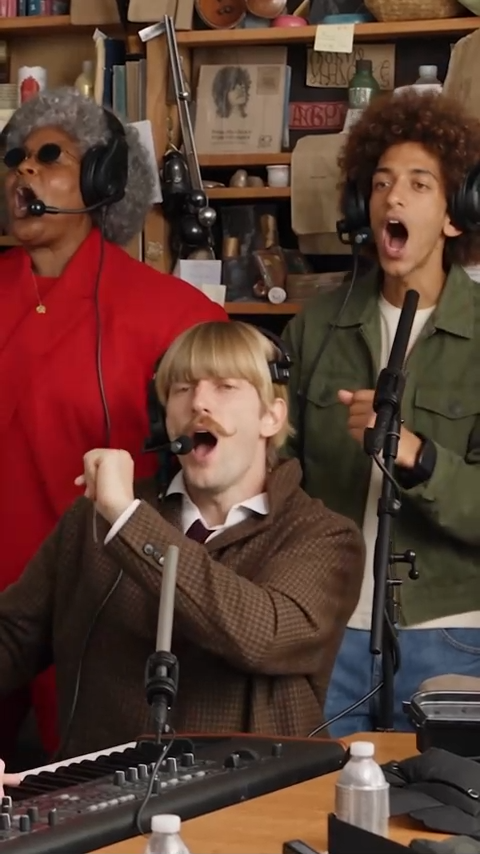
Turn photos of any people or pets into your cast for the “Outstanding” Tiny Desk trend—a 19-second vertical concert featuring lead vocals, keys, backing singers and sax.
Create Your Desk Concert- Cast all five band roles with your photos
- Lead close-ups, band moments and a sax spotlight
- A 19-second concert in vertical 9:16
Choose a clear photo for each role. AI-generated appearances and movements can vary.
~19s
Examples
Outstanding Tiny Desk Trend Examples
Three third-party AI parodies shared on Instagram. These clips illustrate the trend and are not verified outputs from this template.
All-Loss Coaches Concert
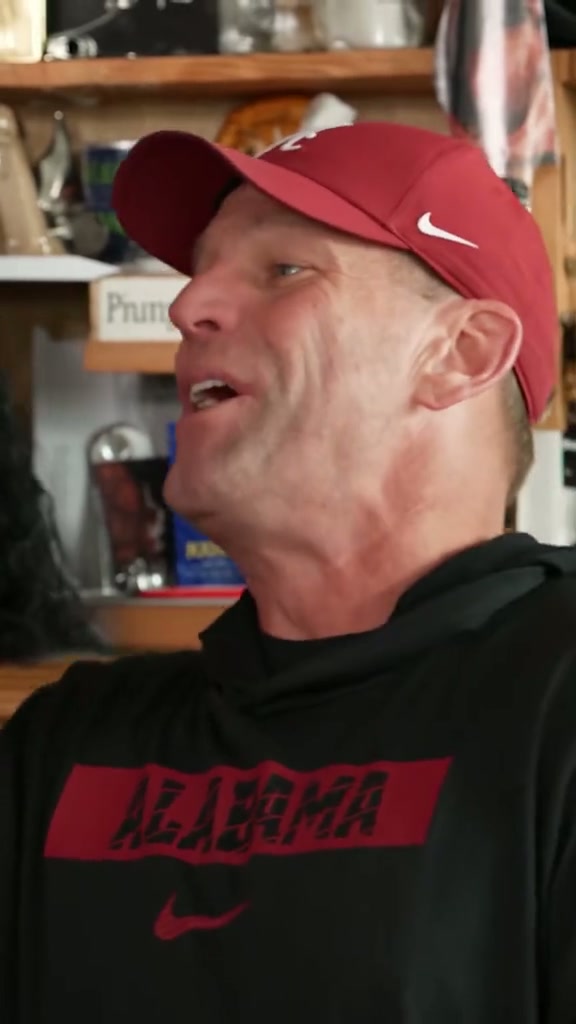
College football coaches recast as the Outstanding desk-concert band. Third-party AI parody by @theburnerfromhe11. Source: https://www.instagram.com/p/Dep7HMwuU_X/
Spurs Desk Concert
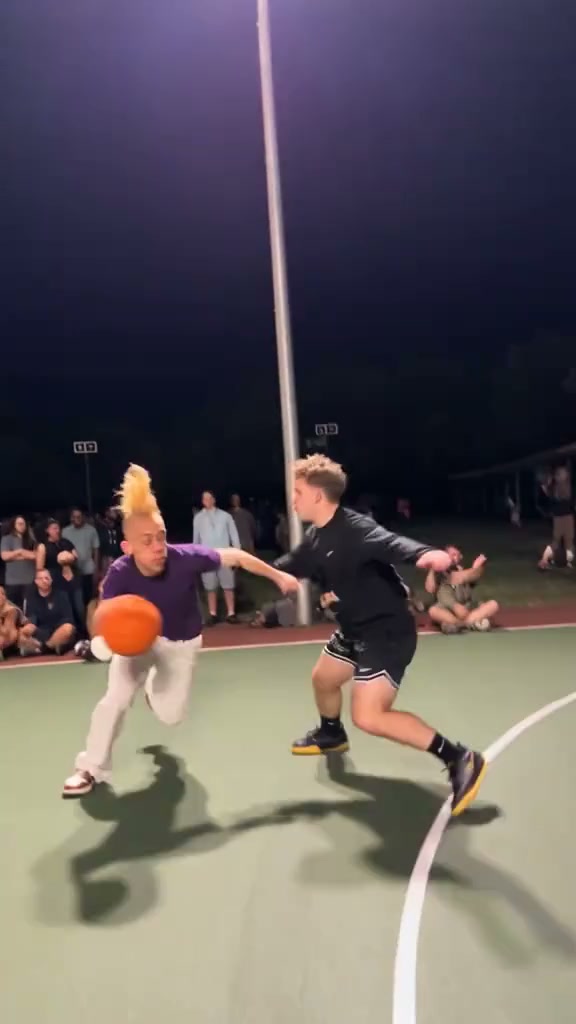
A Spurs-themed cast brings basketball humor to the desk-concert format. Third-party AI parody by @casasafterdark. Source: https://www.instagram.com/p/De3cV5YutaT/
Political Parody Concert
A political satire version recasting public figures in the band. Third-party AI parody posted by @whitehouse. Source: https://www.instagram.com/p/De-TthCEfyT/
How it works
How to Make Your Outstanding Tiny Desk Video
Build your cast, upload five role photos and turn them into a desk-concert performance.
Choose your cast
Pick one clear photo for each of the five roles: lead singer, keyboard, backing singer on the left, backing singer on the right, and saxophone. You can use people or pets.
Upload each role photo
Add each photo to its matching upload field. Use one subject per image, with the face and distinctive features visible. Clear lighting and visible clothing help guide the character's appearance.
Review and generate
Check all five role assignments and the displayed credit cost, then start generation. The template is configured for an approximately 19-second, 9:16 vertical MP4.
Preview and download
Review faces, movement and instrument contact before downloading. Check the final audio before sharing and label the performance as AI-generated.
About the trend
About the Outstanding Tiny Desk Trend
The Outstanding Tiny Desk meme recasts a joyful desk-side band performance with an unexpected lineup. Inspired by Charlie Wilson's Tiny Desk performance of The Gap Band's “Outstanding,” its recognizable moments include the band behind the keyboard, an expressive lead close-up and a saxophone spotlight. The contrast between a familiar cast and an exuberant soul performance makes the joke easy to recognize. This template uses five role photos to guide a new AI-generated performance. Friends, coworkers or pets can become the cast, with appearances and movement varying between generations. The third-party examples show interpretations of the trend, not verified outputs from this template. This is an independent AI template and is not affiliated with or endorsed by NPR, Tiny Desk Concerts, Charlie Wilson or The Gap Band.
Frequently asked questions
Frequently Asked Questions
Photo requirements, band roles and what to expect from your desk concert.
How many photos do I need?
This template currently has five required image fields. Fill the lead singer, keyboard, left backing singer, right backing singer and saxophone fields before generating.
Which role does each photo play?
The upload order is lead singer, keyboard, left backing singer, right backing singer, then saxophone. The lead guides the solo close-ups, the keyboard and backing singers guide the group shots, and the saxophone reference guides the instrumental spotlight.
What photos work best?
Use a sharp, evenly lit photo with one clearly visible subject. Avoid heavy filters, motion blur and obscured faces. The subject's visible appearance and clothing guide the generated character, but exact identity and detail preservation are not guaranteed.
Can I use pet photos?
Yes. The workflow accepts human or four-legged animal references. Choose a clear photo showing the pet's face, markings and body. Animal movement and instrument interaction are AI-generated and may need another attempt.
What video format will I get?
The template is configured to generate an approximately 19-second vertical video in 9:16 and MP4 format. Actual timing and details can vary slightly with generation.
Does it include the Outstanding soundtrack?
The template has a configured audio track for the performance. Preview the completed video to check its sound. Uploading a photo does not record or clone the subject's voice. Music permissions for sharing depend on the track and the platform you use.
How long does generation take, and will it match the examples?
The current estimated generation time is about 10 minutes; actual time can vary. The Instagram examples are third-party trend references, not verified results from this template. Faces, expressions, cuts and instrument handling may differ in your generated video.