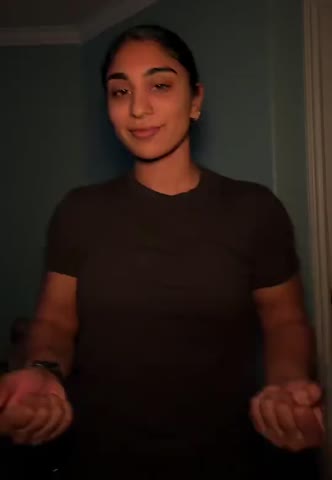
AI fashion video
Fan Outfit Transition Video Generator
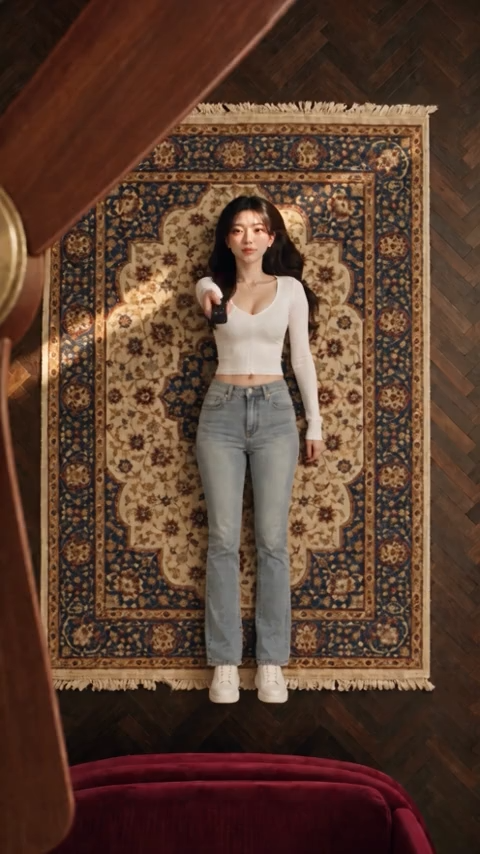
Create an overhead fashion video inspired by the ceiling fan outfit transition. Upload a person photo and three outfit images to give the fan-sweep effect your own looks.
Create your video- One person photo and three outfit images
- 12-second vertical video
- Choose your output quality
~12s
Quality
How it works
How to create a fan outfit transition video
Prepare four images and make your own “Ceiling Fan Outfit Transition” video.
Upload a person photo
Choose a clear photo of the person for the video. Their existing outfit is the starting look.
Add three outfit images
Upload one image for each of the next three looks. Use clear images that show the clothing and accessories you want to feature.
Choose quality and generate
Select a quality, check the displayed credit cost, and click Generate. Download your finished video from My Creations.
About the trend
About the ceiling fan outfit transition
The ceiling fan outfit transition is part of the wider short-form fashion transition format, in which creators reveal different looks through a visual cut. In this variation, a fan blade sweeping across an overhead shot becomes the transition between outfits. Its appeal lies in the simple visual rhythm: each pass sets up another look. The origin and first creator of this specific variation are not established.
Frequently asked questions
Frequently asked questions
How many credits does one generation cost?
The default 480p quality starts at 90 credits. Higher quality settings cost more; check the amount shown before you generate.
How long does generation take?
The estimated time is around 5 minutes. You can leave the page and find the finished result in My Creations.
What format is the video?
The template is configured to create a 12-second vertical 9:16 MP4 video. Choose from the available quality settings before generating.
What images should I upload?
Upload four images: one person photo and three outfit images. Use clear, well-lit images, and show the clothing and accessories you want in each outfit.
What happens if generation fails?
The full cost is refunded automatically — no support ticket needed. "Failed" means the AI job could not complete for technical reasons (provider outage, model error, content-policy rejection, or timeout). Completed results are final: output quality varies and is not refundable.